

GiTLog QMS
One Suite. Every Touchpoint.
Products that cover every step of the in‑branch banking journey, from customer check‑in to teller checkout.
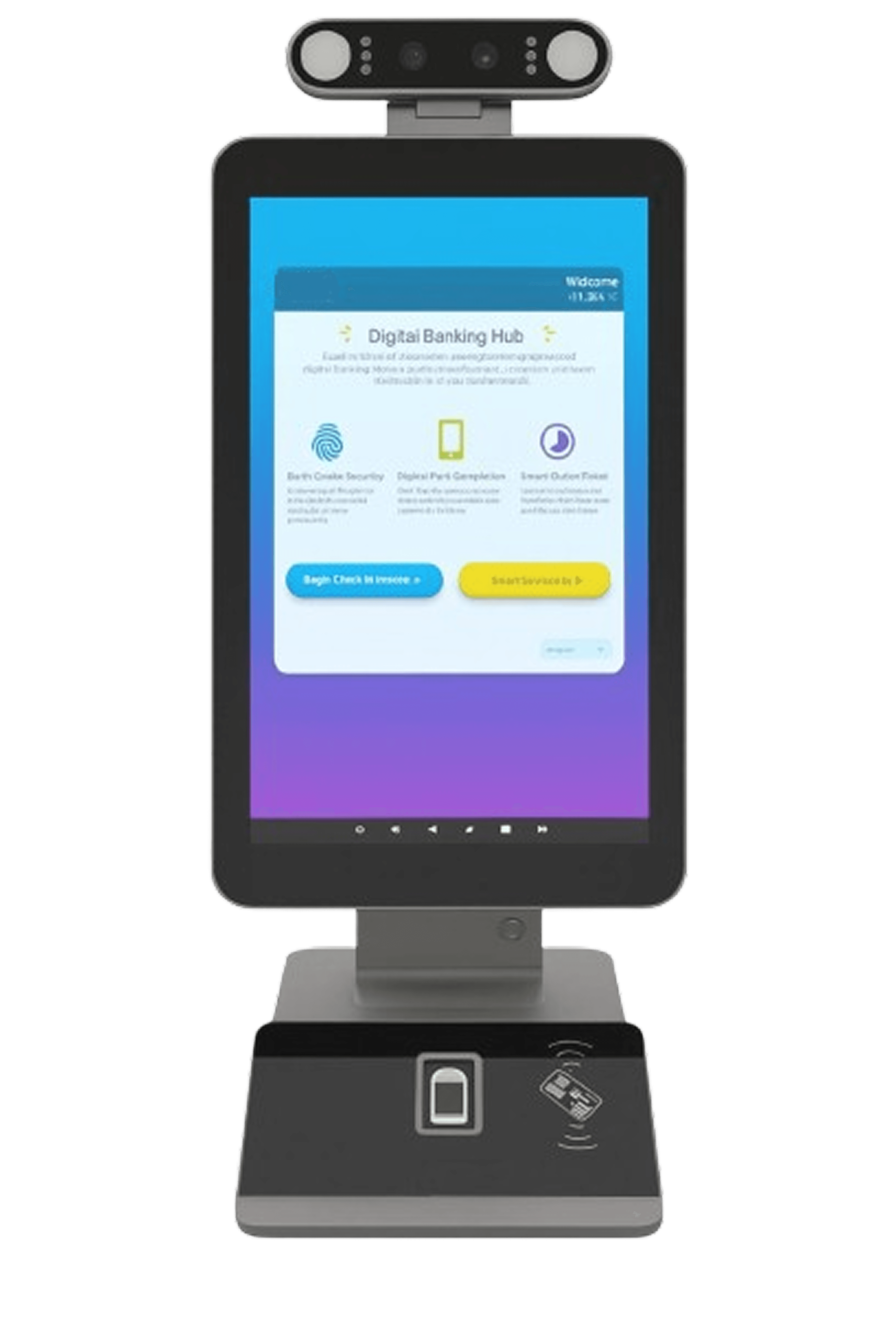
GiTLog Console
A self-service kiosk with an embedded app that revolutionizes customer onboarding. Verify identity instantly using Ghana Card and facial recognition, cutting out the manual verification step at the teller and dramatically reducing wait times.
- Ghana Card verification with real-time facial recognition
- Digital forms for deposits, withdrawals, and more
- Instant ticket number displayed on-screen
- SMS e-ticket with form code(s) sent to customer
- Multi-transaction support in a single session
GiTLog Teller Dashboard
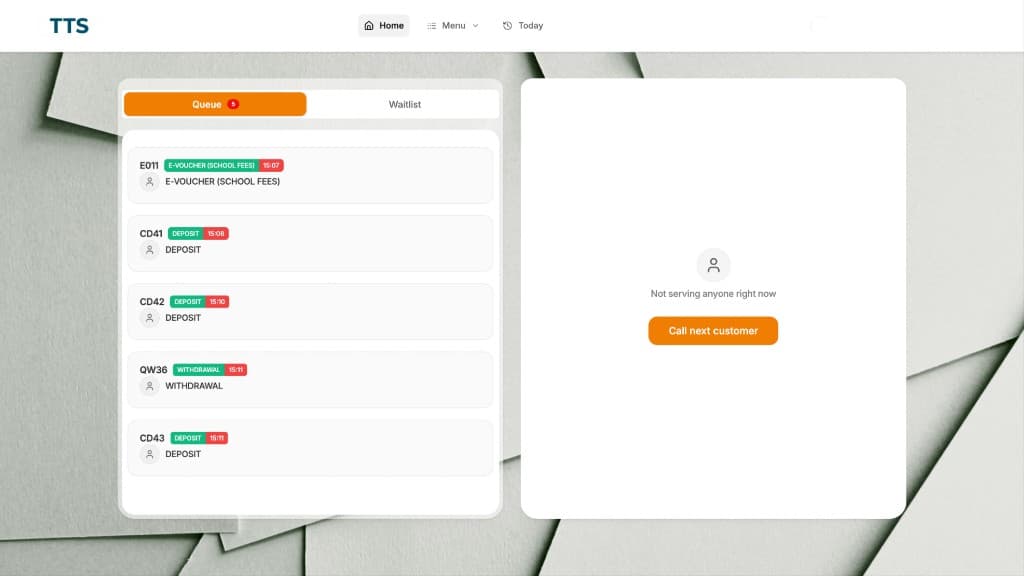
A powerful real-time dashboard that puts tellers in complete control of their queue. Select services, manage priorities, and handle customer flow with precision — all from a single interface.
- Select and prioritize services to serve
- Real-time queue list with live updates
- Transfer tickets between tellers seamlessly
- Put customers on wait and recall when ready
- View daily transaction history and performance
GiTLog Announcer
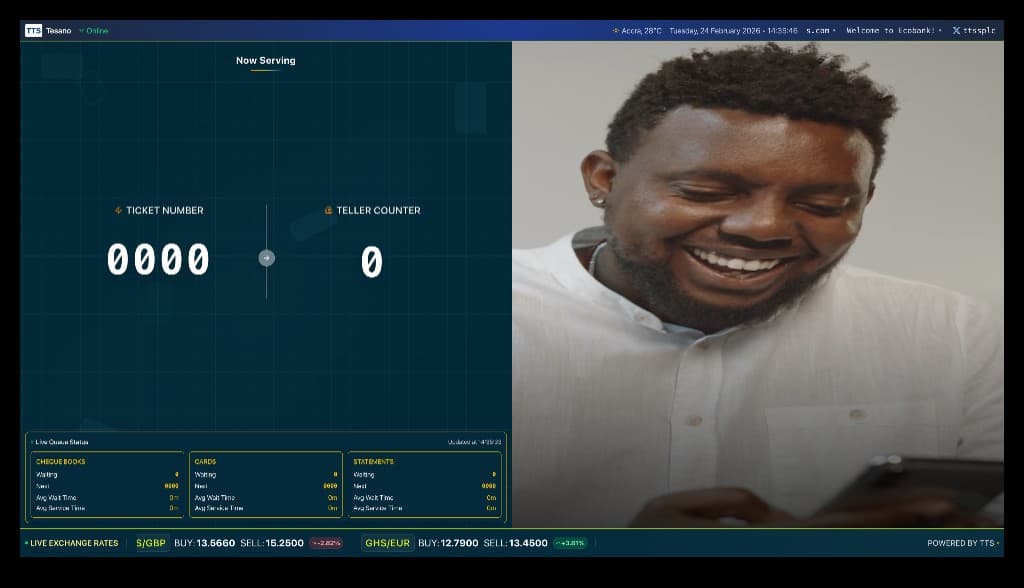
A display system that manages ticket announcements with collision-free audio playback. Keeps the branch floor informed and organized, and doubles as a digital signage platform.
- Audio ticket calling with collision-free queue system
- Live queue status for all active branch services
- Real-time foreign exchange rate display
- Video advertisement playback section
- Multi-zone display layout for information density
GiTLog Back Office
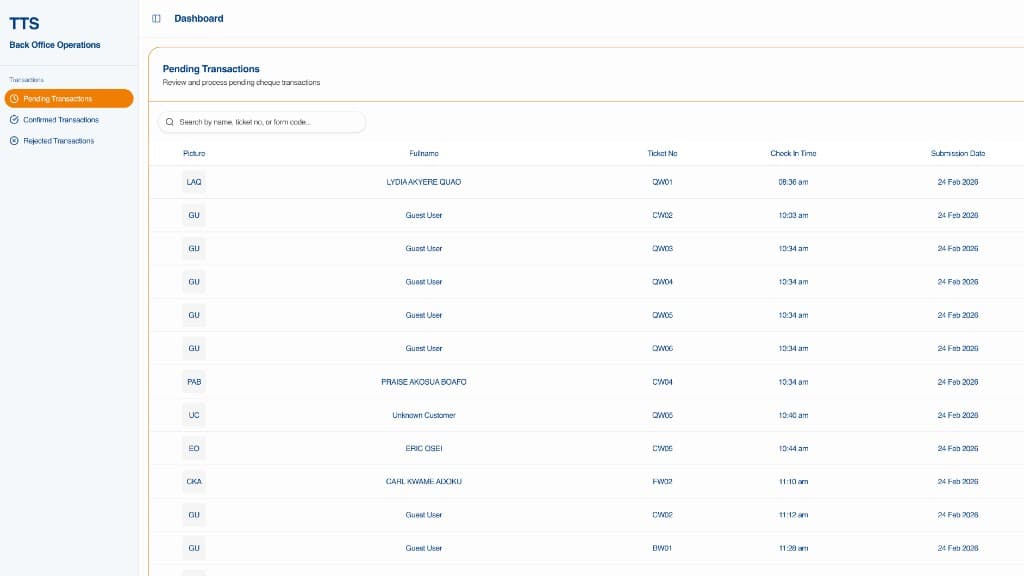
An operations interface purpose-built for the back office team. Review, approve, or reject withdrawal forms exceeding defined thresholds — ensuring compliance without slowing down the branch floor.
- Review withdrawal forms above set thresholds
- Stall transactions pending further verification
- Approve verified forms for immediate processing
- Reject suspicious or non-compliant submissions
GiTLog Webforms
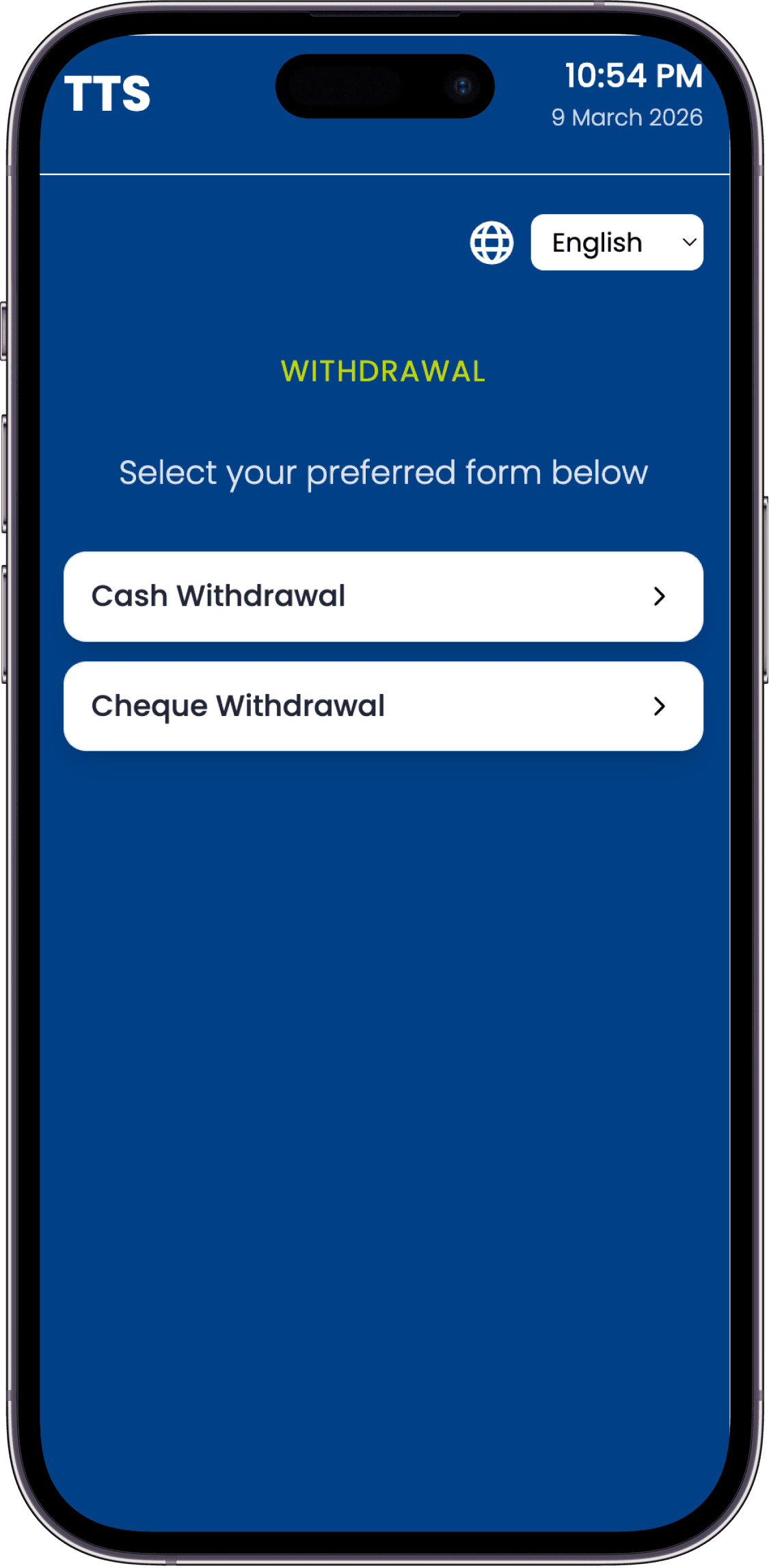
Extend the branch experience to any device. Customers scan a QR code at the Console to continue completing their transaction forms on their phone on any web browser, at their own pace. Once submitted, they receive a digital e-ticket and can still edit their form before a teller processes it.
- Scan QR code at the Console to open form on any device
- Complete transaction forms via mobile browser or desktop
- Supports deposits, withdrawals, and other service types
- Receive a digital e-ticket upon form submission
- Edit submitted forms which have been sent for correction
From Check‑In to Checkout
Six steps. Every customer, every visit.
Check-In
Customer approaches the GiTLog Console to begin their visit.
ID & Face Verification
Ghana Card is keyed in and facial recognition confirms identity on the spot.
Digital Form Submission
Customer fills digital forms for their chosen services: deposits, withdrawals, and more.
E-Ticket Issued
Ticket number shown on-screen and sent via SMS with the relevant form code.
Teller Calls Ticket
The Announcer display and audio system call the ticket. Customer proceeds to the assigned teller.
Service & Checkout
Teller serves the customer with pre-verified identity and pre-filled forms. Fast and clean.

Tell us the process
A desk still on paper, a system already live, or a decision you have not made yet. The team replies with the product or the first consulting step.